Transfer Files to Your Fanuc CNCWithout touching a PCMCIA card
Fanuc FTP Client connects your Windows PC directly to any Fanuc control with embedded Ethernet. Push NC programs, pull parameters, back up offsets — all over the network. No floppy disks, no memory cards, no USB gymnastics. Just your shop WiFi and an IP address.
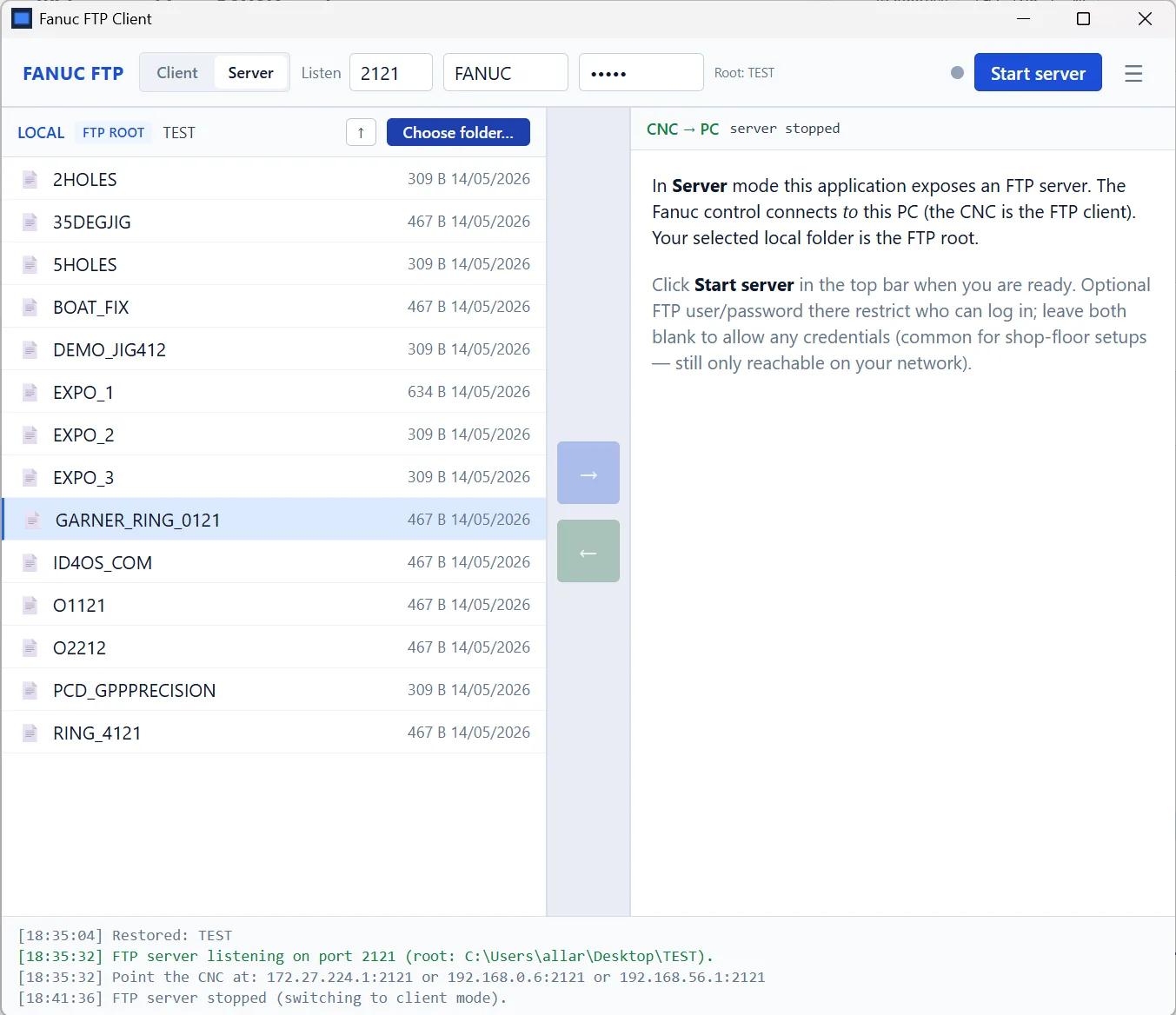
Actual application — Fanuc FTP Client v1.0.1
How It Works
Install
Download the 3.8 MB installer. Runs on any Windows 10 or 11 machine on your shop network.
Enter IP
Type the IP address of your Fanuc control. That's it — the client matches Fanuc's default FTP settings.
Connect
Choose server mode (CNC pulls from your PC) or client mode (you push/pull from CNC memory).
Transfer
Drag and drop NC programs, back up parameters, save offsets. Files move in seconds over Ethernet.
Built for the Shop Floor, Not the IT Department
Server Mode
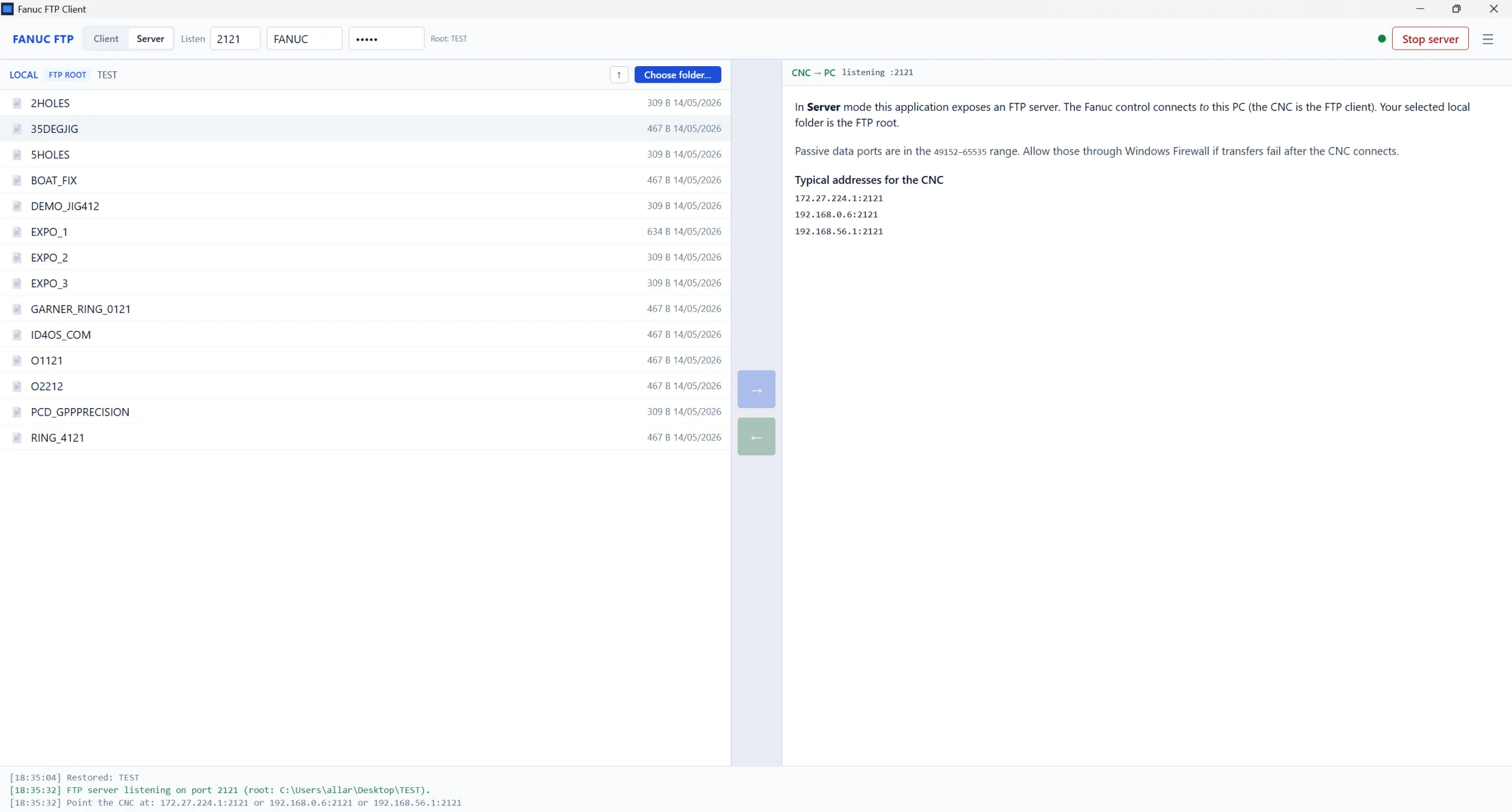
Your PC becomes an FTP server. The Fanuc control connects to it and pulls files — exactly like it would from a PCMCIA card or USB stick, but over the network. No walking between machines.
Client Mode
You connect directly to the Fanuc's embedded FTP server. Push programs to CNC memory, pull parameter backups, browse the control's file system from your PC. Full control in both directions.
Handles Fanuc Quirks
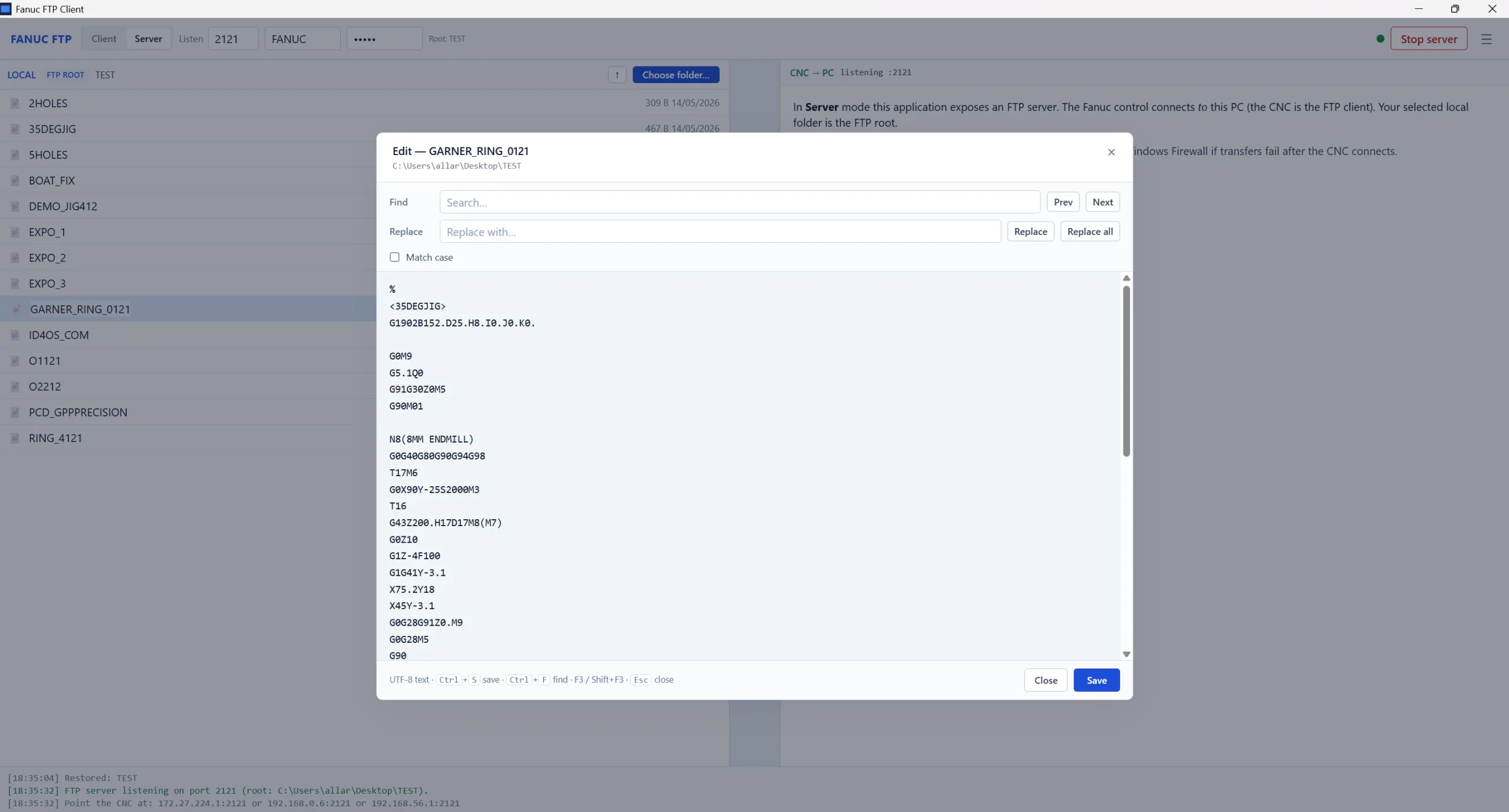
Generic FTP clients choke on Fanuc's O-numbered program format and non-standard directory listings. Fanuc FTP Client knows exactly how Fanuc controls structure their files — no failed transfers, no corrupted programs.
In-App Help
Every feature is documented inside the application. Connection setup, transfer workflows, Fanuc parameter requirements (P20, P14883), and troubleshooting guides — all one click from the help tab.
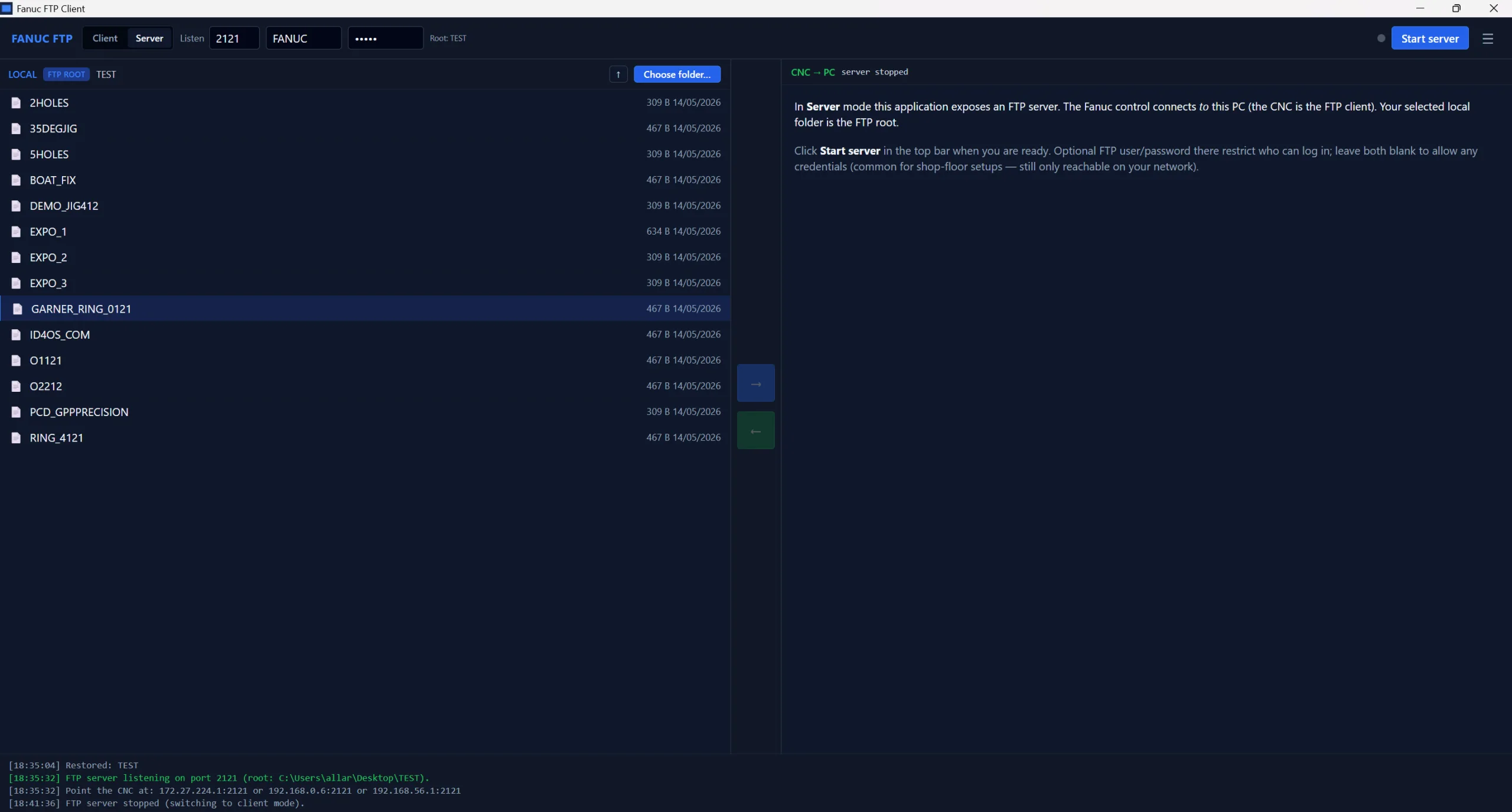
Clean, Simple Interface
Fanuc Control Compatibility
Fanuc parameter requirements: P20=9 (embedded Ethernet) · P14883#7=1 (FTP function)
Common Questions
Do I need to install anything on the CNC?
No. The Fanuc control's embedded Ethernet and FTP functions are built into the standard CNC software. You set parameters P20=9 and P14883#7=1 on the control — that's it. The client runs entirely on your Windows PC.
How is this different from using FileZilla or WinSCP?
Generic FTP clients don't understand Fanuc's O-numbered program format, non-standard directory listings, or file naming conventions. They often fail silently or corrupt programs on transfer. Fanuc FTP Client is built specifically for Fanuc controls and handles all these quirks correctly.
Does it work over my shop network?
Yes. As long as your Fanuc control is connected to the same shop network as your PC via its embedded Ethernet port, it works. The control uses a standard RJ45 cable connection — just like any network device. Your PC needs to be on the same subnet.
What files can I transfer?
NC programs (O-numbered main and subprograms), CNC parameters (full backup), tool offsets, work offsets, macro variable tables, and PMC ladder/parameter files. Essentially everything accessible via the Fanuc embedded Ethernet interface.
Is this a subscription or one-time purchase?
One-time purchase — £15 + VAT. No subscription, no recurring fees, no licence server. Buy once, use it on as many PCs in your shop as you need. Instant download after payment.
Stop walking files around on PCMCIA cards
Fanuc FTP Client v1.0.1. Enter an IP address, connect, transfer. Server mode, client mode, in-app documentation — everything you need in one 3.8 MB installer.
Buy Now — £15.00 + VATInstant download · Windows x64 · v1.0.1 · One-time purchase