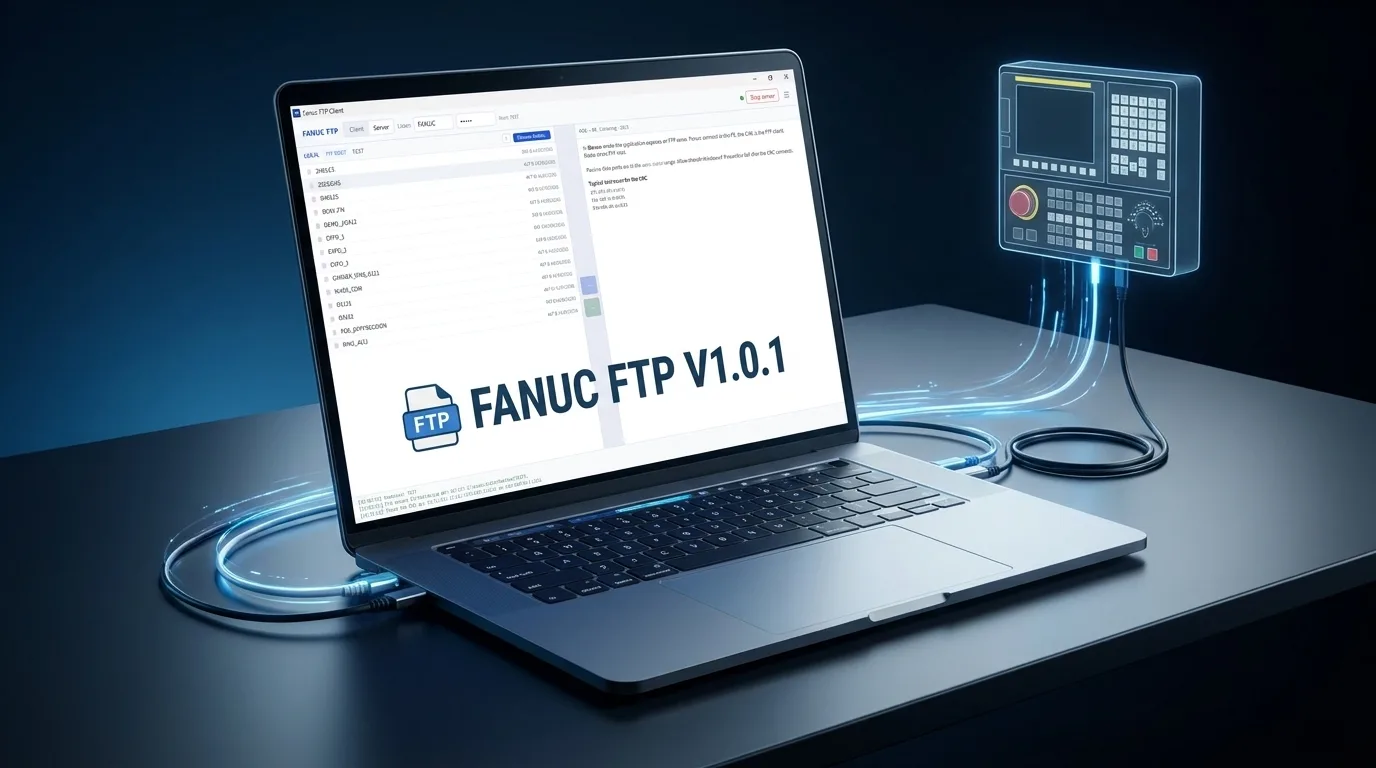
Fanuc FTP Clientv1.0.1 — Windows x64
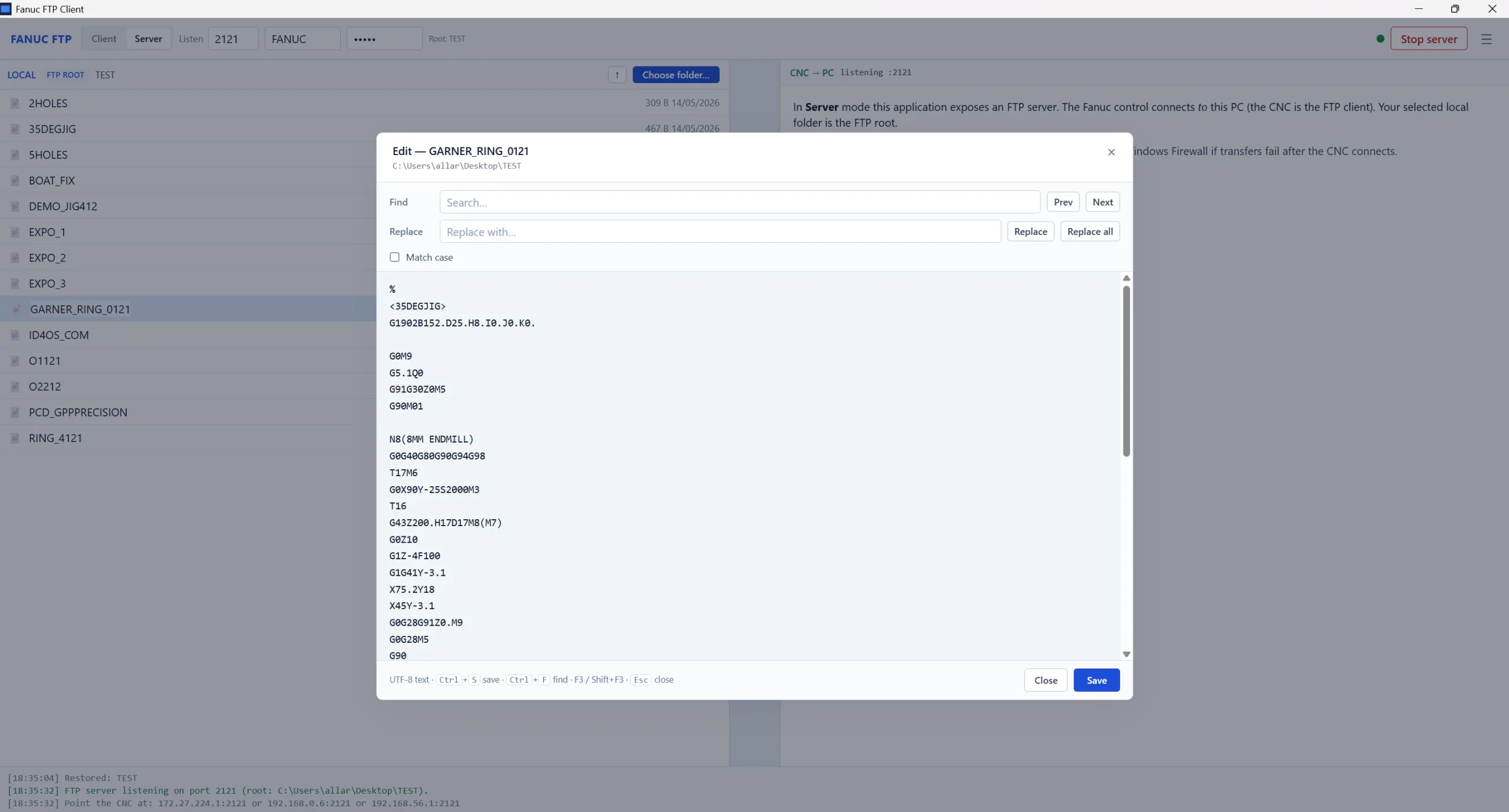
The no-nonsense file transfer utility built specifically for Fanuc CNC controls. Move NC programs, parameters, tool offsets, and macro variables between your PC and any Fanuc control in seconds. Server or client mode — you choose.
Why Engineers Choose Fanuc FTP Client
Dual Mode
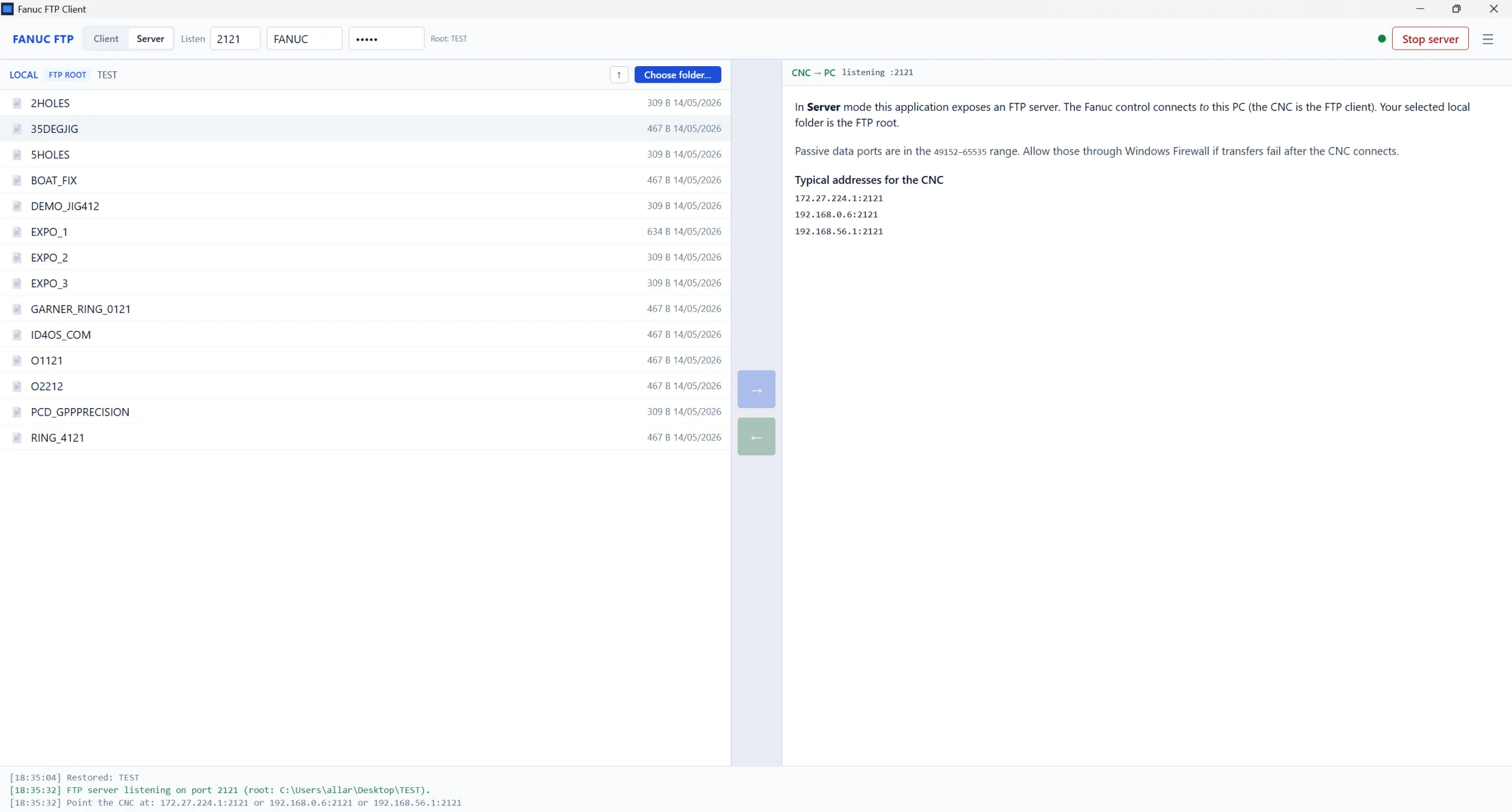
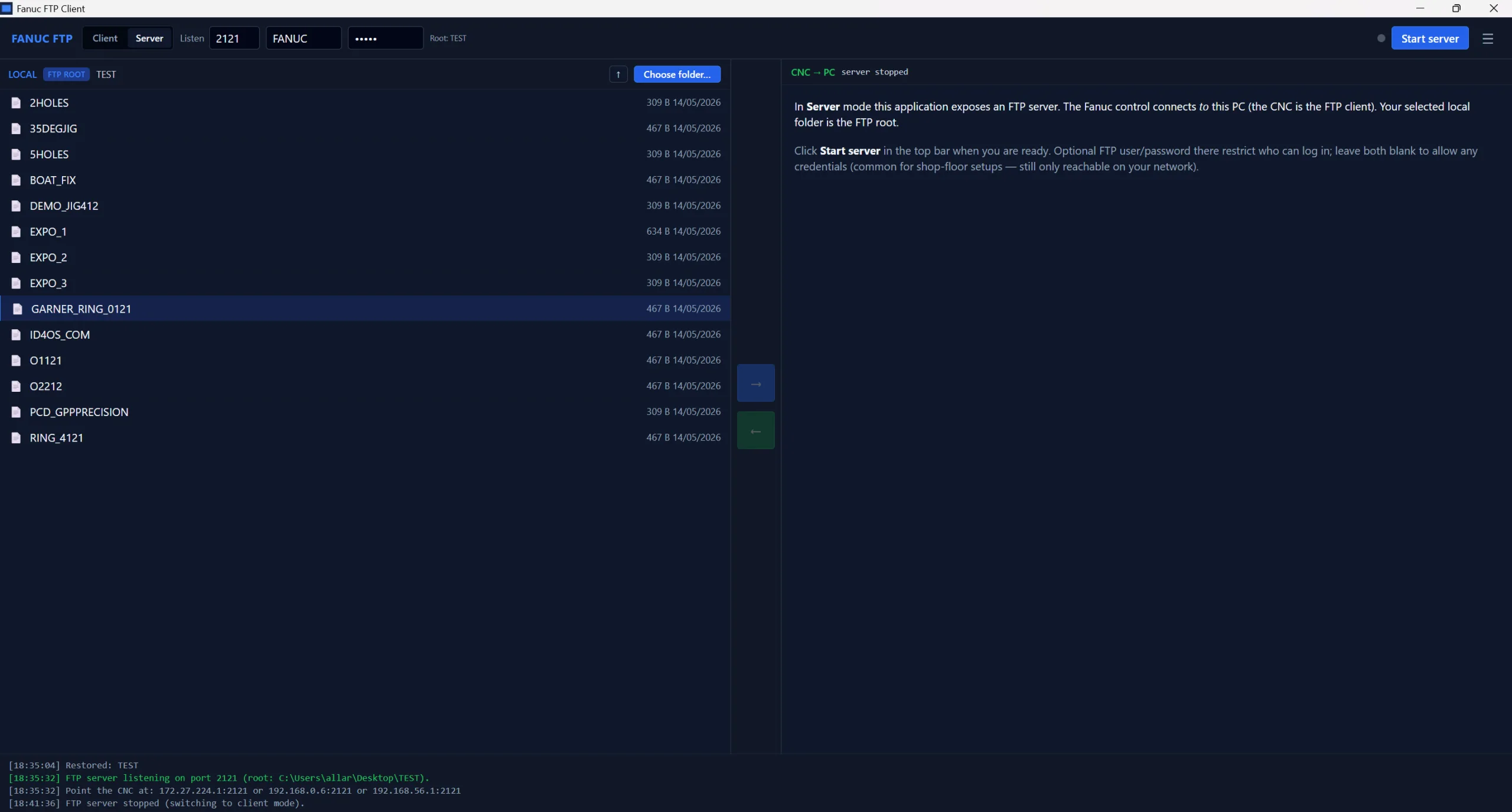
Run as an FTP server so your Fanuc control pulls files from your PC. Or switch to client mode and push/pull directly from CNC memory. Both modes use the standard embedded Ethernet port.
Zero Configuration
Matches Fanuc's default FTP settings out of the box. Enter the control's IP address, click connect. No port forwarding, no firewall wrestling.
Built-In Documentation
Full user guide inside the app. Connection setup, transfer modes, Fanuc parameter requirements, and troubleshooting — all one click away. No PDFs, no YouTube.
Stable & Predictable
Single binary, no dependencies. Tested on real shop floors with 0i-MF Plus, 30i, and 31i controls. Handles O-numbered programs and Fanuc's directory structure correctly.
Windows 10 & 11
Lightweight 3.8 MB installer. Works on any Windows machine on the shop network. No server-grade hardware needed — runs fine on the laptop you already use.
Built by CNC Engineers
Not a generic FTP client with Fanuc slapped on the label. Built by people who actually use Fanuc controls every day and understand the workflow.
See It In Action
What You Can Transfer
Compatible Fanuc Controls
Requires: Fanuc control with embedded Ethernet · P20=9 · P14883#7=1 for FTP server mode
Frequently Asked Questions
Does this work with my Fanuc control?
If your control has embedded Ethernet and you can ping it from your PC, it almost certainly works. Tested on 0i-MF, 0i-MF Plus, 30i, 31i, and 32i Series controls. Any Fanuc with the embedded Ethernet option (P20=9) is compatible.
How does the server mode work?
You run Fanuc FTP Client in server mode on your PC. Your Fanuc control then connects to it as an FTP client using the standard embedded Ethernet FTP function (P14883#7=1). The control pulls files from your PC — exactly like it would from a PCMCIA card, but over the network.
Can I use a generic FTP client instead?
You can, but generic FTP clients don't understand Fanuc's directory structure, O-numbered program format, or file naming conventions. Fanuc FTP Client handles all these quirks automatically. No manual filename editing, no transfer failures because of unexpected directory listings.
Do I need to install anything on the CNC?
No. The Fanuc control's embedded Ethernet and FTP functions are built into the standard CNC software. You just need to set parameters P20=9 (embedded Ethernet) and P14883#7=1 (FTP server) on the control side. The client runs entirely on your PC.
What happens after I buy?
Instant download. You get a ZIP containing the Windows x64 installer. Install on any Windows 10/11 machine on your shop network, launch, enter the CNC's IP address, and start transferring. In-app documentation covers every feature.
Stop fighting with PCMCIA cards
Fanuc FTP Client makes file transfer as simple as entering an IP address. Server mode, client mode, in-app docs — everything you need in one 3.8 MB installer.
Buy Now — £15.00 + VATInstant download · Windows x64 · v1.0.1 · Secure payment