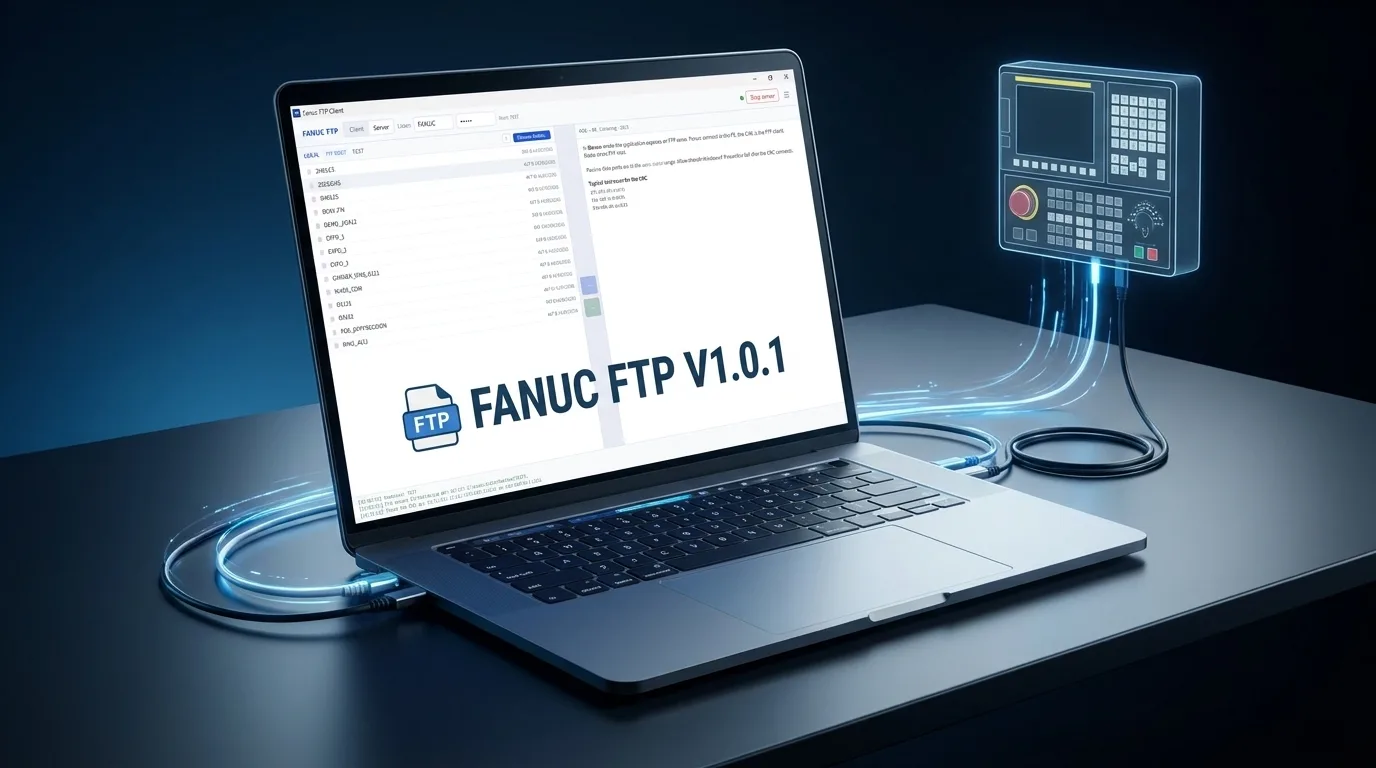
Fanuc FTP Client v1.0.1 — Windows PC-to-CNC File Transfer Software
Fanuc FTP Client v1.0.1. Dual-mode server/client file transfer for Fanuc CNC controls. Zero configuration, in-app documentation, Windows x64. Built for the shop floor.
Move NC programs, parameters, and offsets between your PC and any Fanuc control in seconds. No floppy disks, no PCMCIA cards, no USB stick gymnastics. Built by CNC engineers who live this workflow every day.
Key Features
Dual Mode — Server or Client
Run as an FTP server so your Fanuc control pulls files from your PC, or switch to client mode to push and pull files directly from the CNC memory. Both modes use the standard Fanuc embedded Ethernet port — no extra hardware required.
Zero Configuration
Matches Fanuc's default FTP settings out of the box. Enter your control's IP address and you're connected. No cryptic port forwarding, no firewall wrestling — it just works.
Built-In Documentation
Full user guide included inside the application. Click the help tab and every feature is explained: connection setup, transfer modes, Fanuc parameter requirements, and troubleshooting. No hunting for PDFs or watching grainy YouTube tutorials.
Stable & Predictable
Single binary, no dependencies to install. Runs on Windows 10 and 11. Tested on real shop floors with Fanuc 0i-MF Plus, 30i, and 31i controls. Handles file name limits, O-numbered programs, and Fanuc's unique directory structure correctly — unlike generic FTP clients that choke on Fanuc's embedded server quirks.
What You Can Transfer
- NC programs (O-numbered main programs and subprograms)
- CNC parameters (backup before battery changes or control swaps)
- Tool offset and work offset data
- Macro variable tables
- PMC ladder and parameter files
Compatible Controls
- Fanuc 0i-MF / 0i-MF Plus
- Fanuc 30i / 31i / 32i Series
- Any Fanuc control with embedded Ethernet (P20=9)
Version 1.0.1 — May 2026 | Windows x64 | 3.8 MB download | Requires: Fanuc control with embedded Ethernet (P20=9, P14883#7=1 for FTP server mode)